Player stats
Every innings. The whole career.
Explore runs, averages, strike rates, boundaries and conversion rates, with filters for team, format and competition.
Load your save's scorecards and turn them into detailed batting, bowling, team and recruitment intelligence.
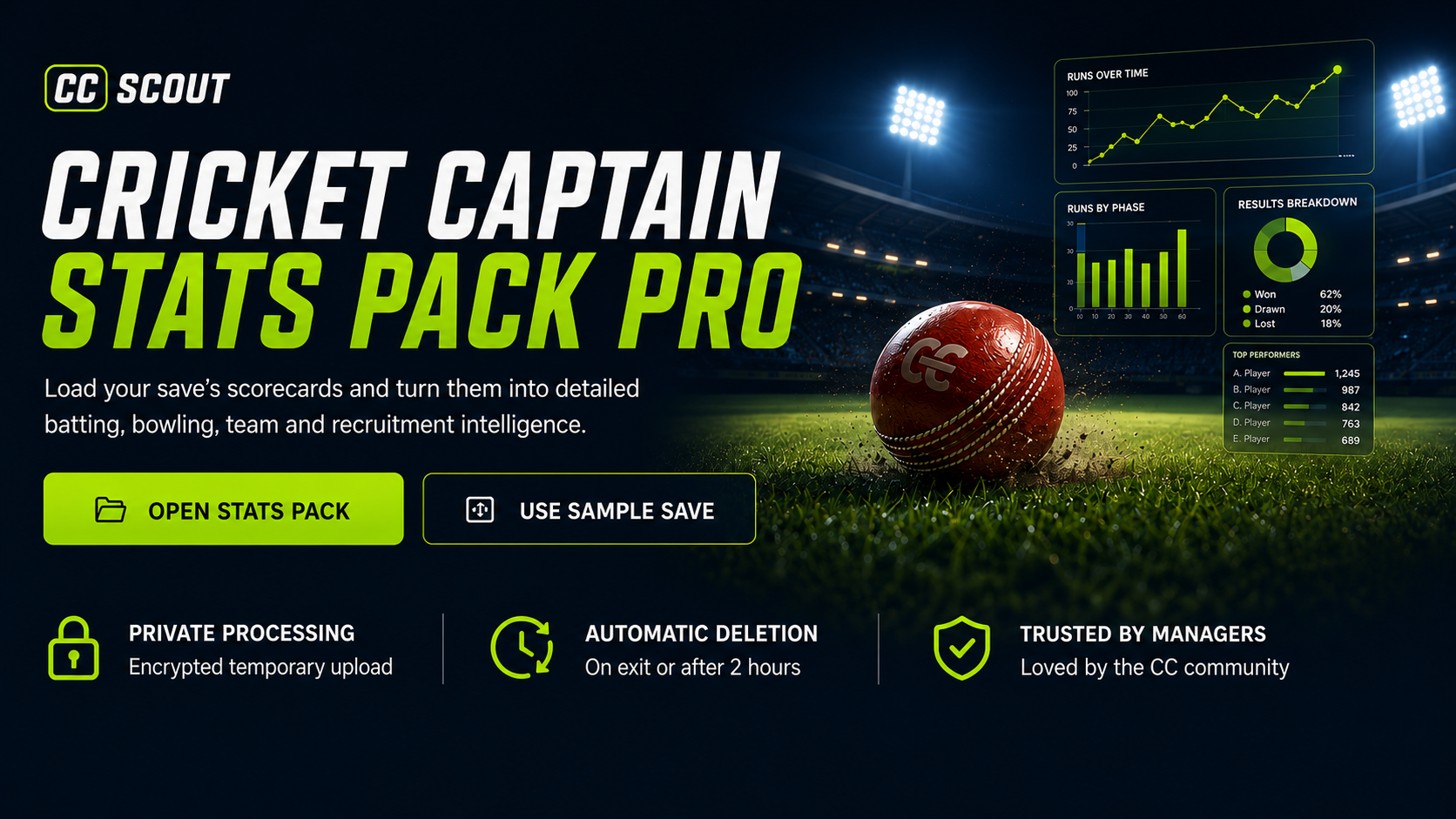
Scorecards are processed privately and deleted when you exit or after two hours of inactivity.
A selection from the app
These screenshots show just a selection of the stats and views available in Stats Pack. There’s much more to explore across batting, bowling, player and team analysis, rankings, records and recruitment.
Select any screenshot to enlarge
Showing 12 screenshots
Player stats
Explore runs, averages, strike rates, boundaries and conversion rates, with filters for team, format and competition.
Player stats
Compare wickets, economy, averages and strike rates, then dig into the conditions and opponents behind them.
Player stats
Follow a player’s latest innings with recent runs, average and strike rate alongside each match performance.
Player stats
Break down a player’s record by opposition and narrow the picture with team and competition filters.
Rankings
Explore three-year weighted player ratings, with views for current rankings, the Hall of Fame and milestones.
Rankings
See team ratings, rank movements over three and twelve months, and the highs and lows along the way.
Team analysis
Put batting and bowling side by side with colour-coded averages, strike rates, economy and average difference.
Team analysis
Compare series won, lost and drawn, with percentage records across the teams in your save.
Records
Find consecutive-century streaks, including the scores, team and dates behind every run of hundreds.
Records
Discover players who took five or more wickets in both innings, with figures from each innings together.
Records
Uncover matches combining runs and wickets, from a fifty and five wickets to a hundred and ten.
Records
Track consecutive wins and matches without defeat, with the dates that define each team’s streak.
A selection of screens from example saves, with many more stats and views available in the app. Players, teams and records will reflect the scorecards you load.
Your next session
Bring the history of your save together, then explore the players, performances and records that matter to you.
Sign in with Stats Pack Pro or All Access and load scorecards from your Cricket Captain save.
Filter by player, team, format or competition. Explore career totals, recent form and opposition records.
Compare rankings, revisit standout performances and follow the records that build up over the seasons.
Explore the free, read-only sample save. No subscription required.
Simple choices
Stats Pack is included with Stats Pack Pro or All Access and opens directly inside the member's signed-in CC Scout account.
Deep save analysis
Turn loaded scorecards into complete player records, team intelligence and a Moneyball view of your save.
Choose billing period
£20/year
Save £40 each year
£20/year
Save £40 each year
£25/year
Save £71 each year
Common questions
The Stats Pack runs securely inside your signed-in CC Scout account at /stats-pack/app, with no second login.
It loads Cricket Captain 2024, 2025 and 2026 scorecards and builds detailed batting, bowling, player, team, ranking, record and recruitment analysis.
Your encrypted archive is uploaded to a private temporary Google Cloud bucket. Raw files are deleted after processing; processed data is deleted when you exit or after two inactive hours.
The interactive sample is public and read-only. Analysing your own save requires Stats Pack Pro or All Access on your CC Scout account.
Yes. New monthly and annual subscriptions start through secure Stripe Checkout after email verification.
The Kit Editor is free for everyone and now opens as its own standalone web app from CC Scout.
All Access unlocks both Stats Pack Pro and Save Editor Pro under one subscription.