Stats Pack
£20/year
Save £40 each year
- Analyse every scorecard from your save
- Complete batting and bowling records
- Team stats across formats and competitions
- Rankings, records and performance trends
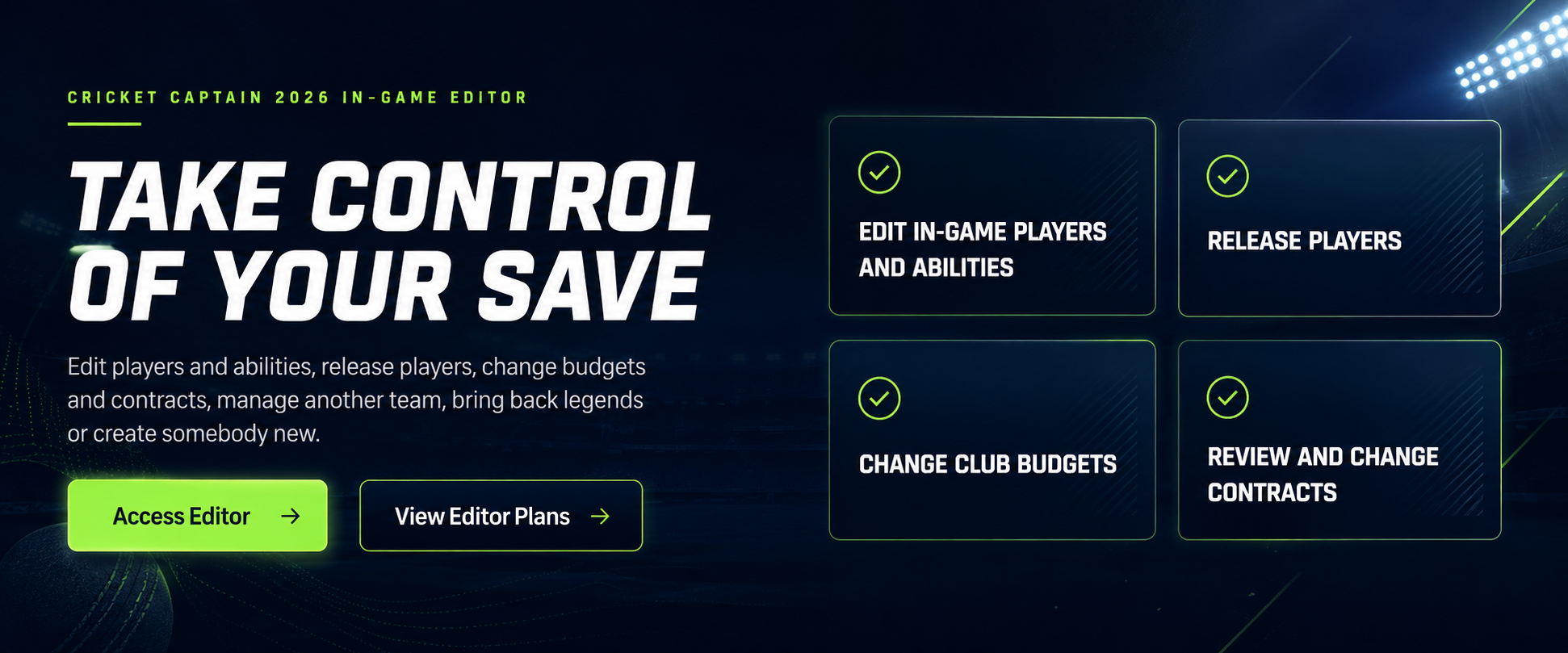
Take control of your save by editing players and abilities, releasing players, changing budgets and contracts, managing another team, bringing back legends or creating somebody new.
 View Editor plans
Membership required
Take control of your Cricket Captain 2026 save.
Edit players, abilities, squads, budgets, contracts and teams—or create a completely different cricket world.
View Editor plansYour current access
Checking your membership…
Simple choices
The Cricket Captain 2026 In-Game Editor is included with Editor Pro or All Access. Choose the Editor on its own, or add Stats Pack Pro with one All Access membership.
Take control of your save
Edit supported players, abilities, squads, contracts, budgets and teams with backup protection where supported.
Choose billing period
£20/year
Save £40 each year
£20/year
Save £40 each year
£25/year
Save £71 each year
Plan and billing-period changes take effect through Stripe. Stripe shows any prorated charge or credit before you confirm.
What the Editor unlocks
The Cricket Captain 2026 In-Game Editor gives members a protected workflow for changing supported players, squads, finances, contracts and teams.
Change supported player details, roles and ability values.
Move unwanted players out and rebuild the squad around your plans.
Adjust supported finances and give a rebuild more room to move.
Inspect supported deals and change player contract details.
Take control elsewhere and play the save from a different perspective.
Return favourite former players and legends to your save.
Add somebody new and shape their supported details and abilities.
Use the guided workflow and backups where supported.
Choose the In-Game Editor membership below, or choose All Access to add Stats Pack Pro.
Getting started
New subscriptions start through secure Stripe Checkout after sign-in and email verification.
Select Stats Pack Pro, Editor Pro or All Access, then choose monthly or annual billing.
Sign in, verify your email and complete hosted Stripe Checkout. CC Scout never receives your complete card details.
CC Scout activates your entitlement after verified payment confirmation. A success page by itself never grants premium access.
Open the integrated Stats Pack or Cricket Captain Editor in a new tab from CC Scout. All Access unlocks both.
Common questions
Creating a Free account does not start a subscription. Stripe charges you only after you deliberately choose a paid plan and complete Checkout.
CC Scout updates access automatically after verified Stripe payment confirmation. This is normally quick, but the Checkout success page alone does not grant access.
Yes. Monthly plans renew each month and annual plans renew each year until you cancel through the Stripe billing portal.
Yes. Open CC Scout Membership to see your current subscription and every valid upgrade, downgrade, product switch and monthly or annual alternative. Stripe shows the exact prorated charge or credit before you confirm.
Cancellation normally takes effect at the end of the period already paid for, and premium access continues until that date.
Premium access may continue during a seven-day payment-recovery grace period. Access ends if payment is not recovered before the grace period expires.
Goodwill refunds for accidental payments and legal remedies for billing errors or faulty service are explained in the Refunds & Cancellations Policy linked below.
Yes. Other members cannot browse your private Stats Pack dataset. Raw uploads are deleted after processing, and processed data is deleted when you exit or after two inactive hours.
All Access unlocks both Stats Pack Pro and the Cricket Captain 2026 In-Game Editor under one recurring subscription.